What is ATLAS?
ATLAS is our intelligent support chatbot, built to help you get instant answers to your most common transport-related queries — without waiting for a support ticket to be picked up. Think of ATLAS as your always-available first responder for day-to-day questions.
Why use ATLAS first?
- Faster resolution – Get answers in seconds instead of waiting for a ticket response
- Available anytime – No need to wait for support hours
- Accurate, consistent answers – Powered by our knowledge base, API integration for event specific answers, so you get the same reliable information every time.
How Can you query in ATLAS ?
ATLAS is trained to accurately resolve queries across the following categories:
| Category | Example Questions |
|---|---|
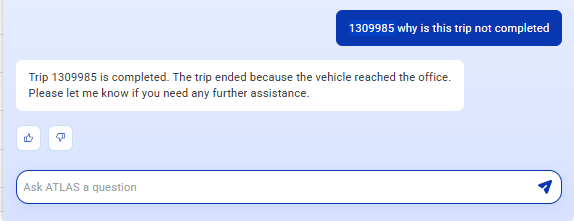
| Trip Information & Status | "What is the status of trip #12345?" / "Has this trip started?" |
| OTA & OTD Updates | "What is the current OTA for vehicle XYZ?" / "Show me OTD for route ABC" |
| Live Tracking & Route Details | "Where is vehicle KA-01-AA-1234 right now?" |
| Scheduling & Shift-Related Queries | "What are the shift available for emp id 1234?" / "Is my pickup rescheduled?" |
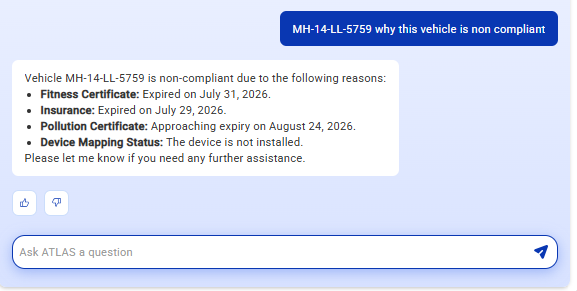
| Compliance-Related Information | "What compliance documents are pending for this vehicle?" |
| Over speeding Alerts | "Were there any over speeding alerts today for vehicle XYZ?" |
| Vehicle Stoppage Details | "Were there any vehicle stoppage in the trip?" |
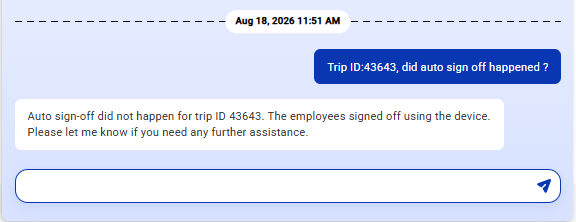
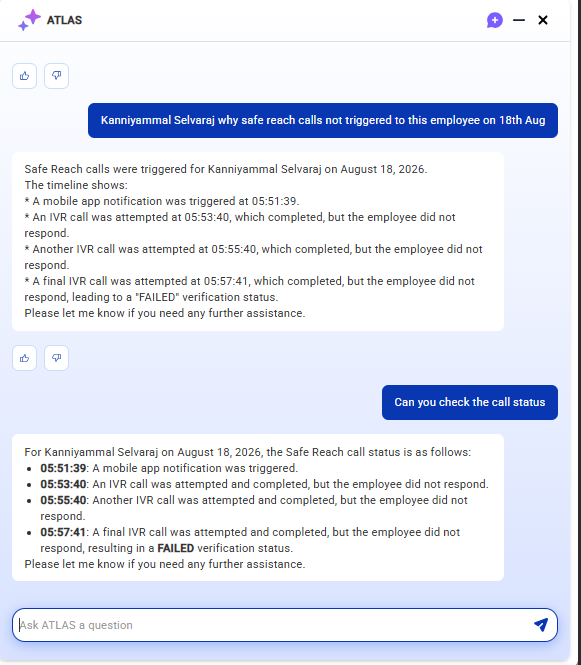
| Safe Reach Confirmation | "Has Safe Reach been confirmed for trip #12345?" |
How to Raise a Query on ATLAS
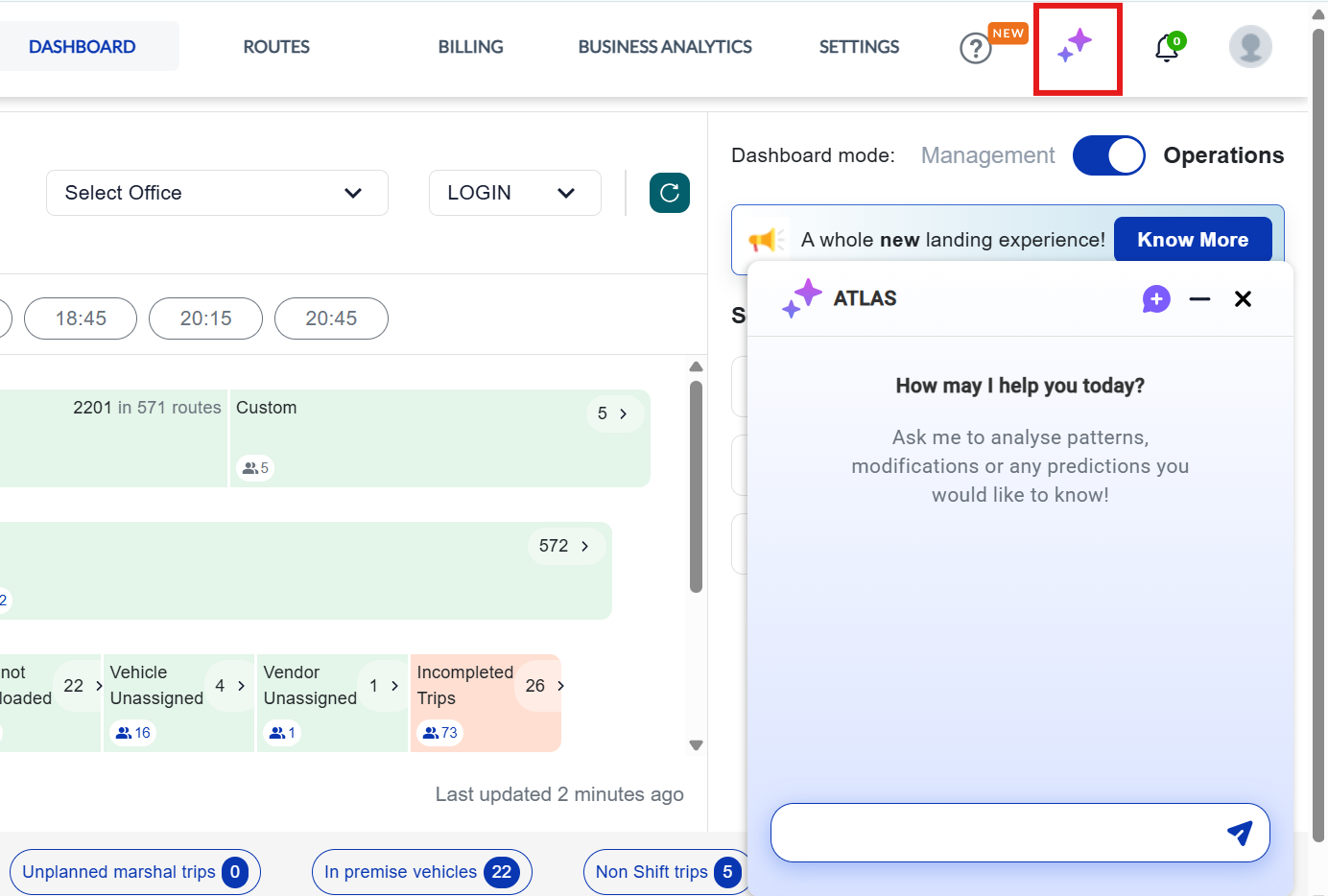
- Click the ATLAS icon to open the chat window.
- Type your question in plain, everyday language — no special format needed.
- Example: "What's the live location of vehicle DL01AB1234?"
- ATLAS will respond instantly with the relevant information.
- If you need more detail, simply ask a follow-up question in the same chat.
When to Escalate to Support
ATLAS is designed to handle the queries listed above with high accuracy. If ATLAS is unable to resolve your query, you can raise a support ticket as well through ATLAS, where ATLAS will summarize your conversation and escalate to support team, It will allow you to take Screenshot if required— our team will take it from there.
Was this article helpful?
That’s Great!
Thank you for your feedback
Sorry! We couldn't be helpful
Thank you for your feedback
Feedback sent
We appreciate your effort and will try to fix the article